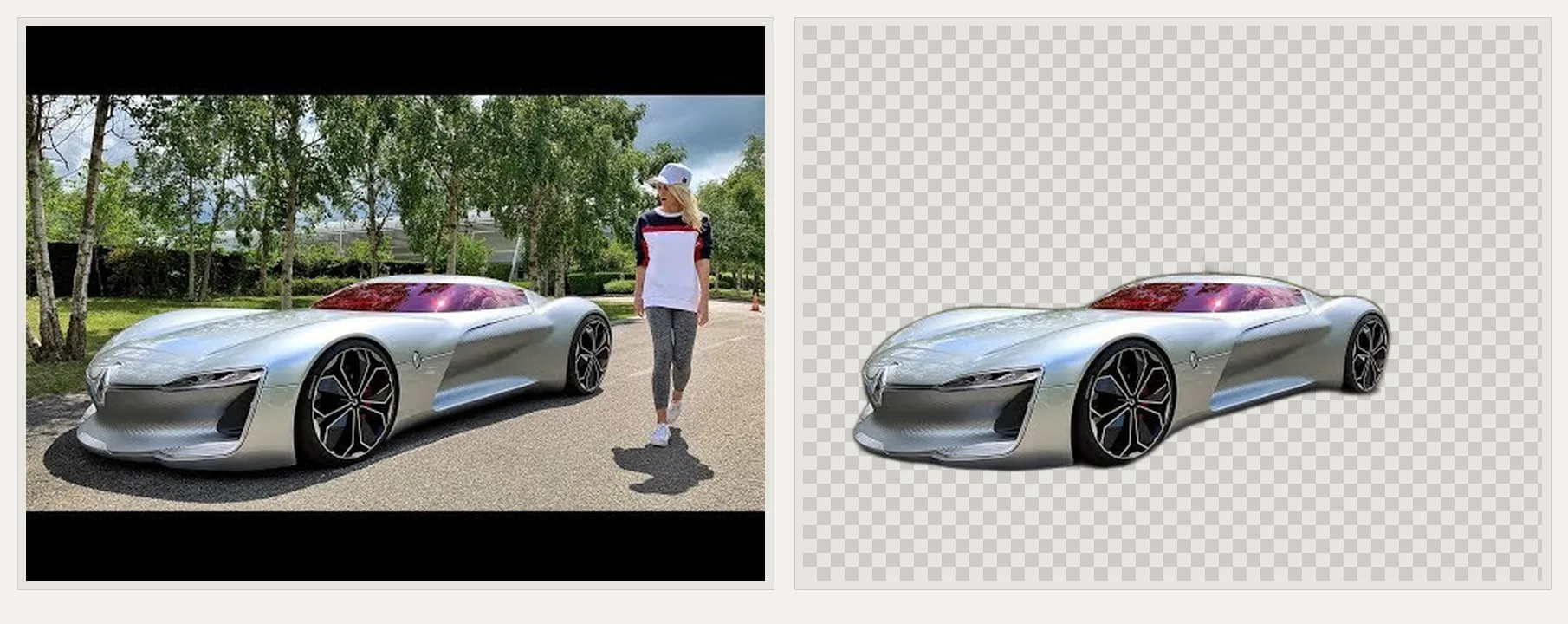
On Windows 10 or 11, open danielgatis/rembg releases and select the newest tag that starts with v.
Download rembg-cli-cpu-installer.exe. Run the installer, then open a terminal and check rembg —help. No winget package was verified for this guide, so stay on GitHub Releases for this background remover path.
If you already maintain a working CUDA stack, the same tag also publishes rembg-cli-gpu-installer.exe. Prefer CPU first when you are unsure.
If SmartScreen appears, confirm the file name matches the GitHub asset before continuing. Do not switch to a random mirror to bypass a warning.
Verify the install
Run rembg i input.png output.png on a tiny photo. Open the output and confirm transparency. Continue with first run, first hour, and safety.
GPU installer notes
The GPU installer is larger and only helps when onnxruntime-gpu requirements are already met. The rembg README explains CUDA caveats. Starting there without that stack turns a simple background remover install into a driver maze.
Keep the install boring
Match asset names on GitHub Releases for Windows, or match the pip extras on the rembg README for macOS and Linux. A background remover install stays trustworthy when the update door never changes mid-project.
Document whether this machine used the CPU installer, the GPU installer, or pip. Share that note with anyone who will run the next catalog batch. Mystery binaries waste shoot days.
Related reading
Home install panel: background remover home. Releases: releases. Safe download: download safe. First hour: installed. GitHub overview: GitHub.
When something fails, capture the exact command, the tag name, and the asset filename before you ask for help. That trio solves most background remover support threads faster than screenshots alone.
Prefer one proof image that looks right over ten speculative model downloads. Expand only after the first transparent PNG earns trust from a human glance.
Operational checklist
Write down the GitHub tag, the exact Windows installer name or the pip extras string, and the date you verified rembg —help. That short record keeps a background remover install auditable when someone else inherits the machine.
Prefer one update door forever. Windows stays on danielgatis/rembg Releases. macOS and Linux stay on the rembg package from PyPI with README extras. Mixing random mirrors with official doors is how adware enters a studio PC.
After every reimage, run the same proof: rembg —help, then rembg i on a tiny photo, then open the transparent output. If that path fails, stop and re-check provenance before you batch a folder.
Quality review habits
Automatic masks are drafts. Zoom into hair, glass, thin straps, and soft shadows before you publish. A background remover saves time; it does not replace a human glance on hero product shots.
When a mask fails, try another model flag only after the default path works. Keep the failing sample so you can compare. Deleting sources too early forces a reshoot.
For catalog weeks, store accepted outputs in a dated folder and leave originals read-only until the campaign ships. That boring structure beats clever scripts you will not remember in six months.
Team communication
Share the Releases URL and the pip command in the same wiki paragraph. People should not have to guess which background remover door this shop trusts. Link the internal first-hour checklist next to those commands.
If a contractor arrives with a USB stick labeled rembg-setup, decline it and point them at GitHub Releases or PyPI. Friendly pressure beats malware cleanup.
Frequently asked questions
Is rembg free?
Yes. rembg is free under MIT. GitHub Releases Windows installers and the PyPI package for a local background remover have no paywall on the paths this guide maps.
Where should I download?
Download Windows installers from GitHub Releases for danielgatis/rembg. Prefer rembg-cli-cpu-installer.exe. On macOS and Linux use pip install "rembg[cpu,cli]". Skip Softonic-style wrappers.
Does it work offline?
Yes for inference after models are on disk. You still need network for the first download of the background remover installer or pip package and the model weights.